Everyday digital life involves a steady stream of small but necessary actions that pull attention away from other priorities.
Logging into utility accounts to set up service after a move, navigating insurance portals to check reimbursement details, searching for available appointment slots at government offices, or reviewing policy documents against a landlord email all require opening browsers, entering credentials, clicking through forms, and verifying details.
These steps are familiar enough that many people perform them without much thought, yet they accumulate into noticeable time spent on screens.
With that in mind, OpenAI wants to solve this recurring issues with an update to ChatGPT Work.
The feature expands what the feature's remote computer and browser can handle.
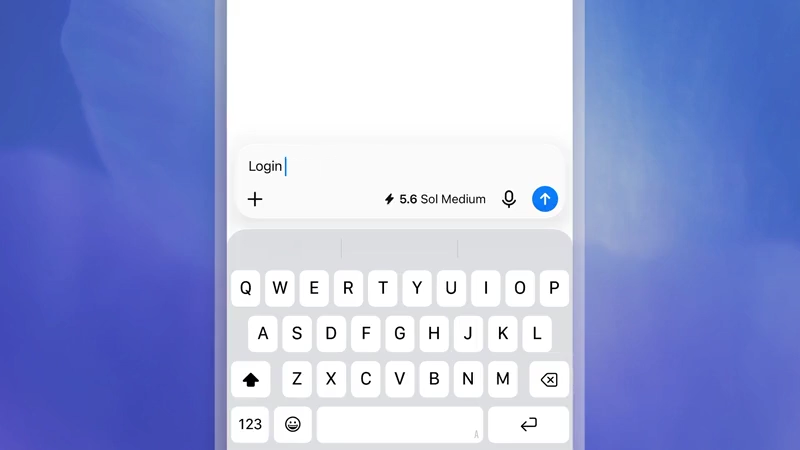
With it, the system can now sign in to websites on both web and mobile interfaces.
Credentials are entered through a secure form that sends them directly to the remote browser session.
The model itself never sees the username or password, and the service does not store those details.
An additional review step checks the destination page and form fields for signs of phishing or mismatch before the user proceeds.
Two-factor authentication codes can be entered in the same form when required. Once signed in, the session persists for later tasks on the same site until the user clears the data or the session expires. Users retain control through settings that allow clearing cookies for individual sites or across the entire cloud browser.
This capability means the agent can continue working after authentication rather than stopping at public pages.
Examples shared with the update include arranging utility setup for a new apartment, booking a DMV or passport appointment, checking insurance reimbursement amounts, locating and scheduling an in-network doctor around existing availability, preparing car registration renewal documents, comparing a rental insurance policy against a landlord issue raised in email, saving apartment listings that match stated criteria, restocking an item from an uploaded photo, scheduling a package pickup for a return, canceling tickets after a trip change, booking a veterinary appointment, submitting medical reimbursement paperwork, monitoring resale sites for new listings, identifying candidates with particular experience and drafting outreach messages, moving invoices from email into accounting software, drafting replies to rental inquiries, completing permit applications for a small business, adding action items from a client call into a vendor portal, and reviewing the results of a recent advertising campaign.
In short, tasks that previously required a person to open a browser and move through multiple pages can now be described as a goal for the system to pursue, with pauses only when confirmation or additional input is needed.
Availability is limited to Plus, Pro, and Business users during the current rollout. The cloud browser operates on a separate remote computer with its own session state, independent of any local browser history, extensions, or saved passwords.
It's worth noting that some websites may still block automated access, and certain final actions such as payments or irreversible submissions may require the user to complete the last step manually.
Approval settings let users decide whether the system must ask before visiting new sites or can proceed under predefined rules. These constraints keep the process under human oversight while removing the need to stay present for every intermediate click.
The same day also brought quieter changes to scheduled tasks.
Plus and Pro users can now configure tasks that respond to activity in Slack, Gmail, or GitHub rather than running only on fixed intervals. Free users gained the ability to create up to three scheduled tasks, and favorite tasks can be shared for others to adapt.
These event based options let a task activate when a new message arrives, a pull request updates, or similar activity occurs in the connected services, after the relevant accounts have been linked in settings.
Shared examples include reviewing recent messages across Slack, GitHub, email, and Linear to summarize what was shipped in the previous week, scanning streaming services each Friday for recommended movies and shows, checking an inbox for opportunities to reduce costs, or identifying unanswered questions and pending approvals that appear to wait on a response.
Users can pause, edit, or remove any of these tasks from a dedicated list, and the system continues to require review for actions that involve commitments or changes outside the original description.