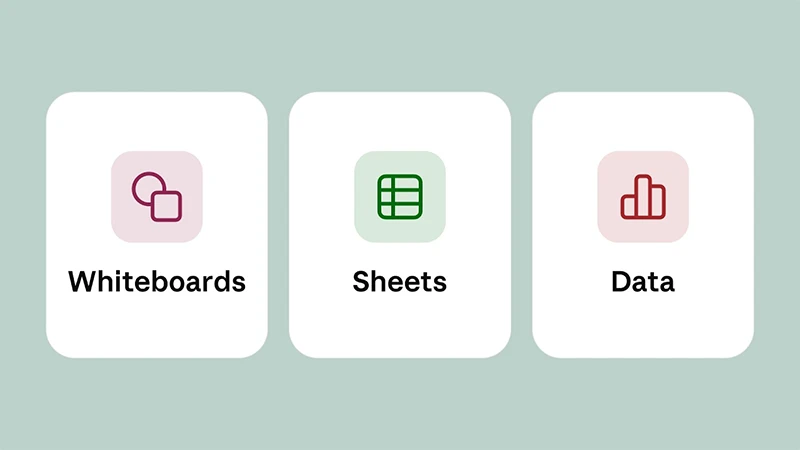
Teams that rely on Anthropic's Claude for everyday work have often finished a conversation only to copy the results into a separate program.
A plan ends up in one place, a budget in another, and a set of charts somewhere else. Now, Anthropic is rolling out several new ways to keep more of that work inside Claude itself.
The idea is to keep the same conversation stays open across the board, the spreadsheet, the data views, and the embedded apps, and that details do not have to be repeated when moving from one step to the next.
The new pieces are limited to paid plans.
First off, is 'Claude Whiteboards.'
Still in beta on paid plans, it is a shared board that appears next to the chat. Someone can describe a messy plan in ordinary language and Claude turns it into a layout that might include a timeline, names of people responsible, and dates.
Other team members can then add their own notes and move things around in real time. During a meeting to look back on a project, people can drop comments onto the board and Claude can group them by topic before suggesting next steps for each person. Any part of the board can be selected so Claude can answer questions about just that section.
When the board is ready, it can become a document or a set of slides, or it can be sent to tools such as Lucid, Miro, or Vani.
'Claude Sheets,' also in beta, creates a spreadsheet from a short request.
Asking for a campaign tracker or a simple budget can produce a file that already has several tabs, formulas, basic formatting, and drop-down menus. Claude can change individual cells and shows each change it makes. The sheet can be shared so the team and Claude continue working on it together.
Right now the spreadsheet features remain fairly basic.
When something more advanced is needed, the file can be downloaded as an Excel or CSV file, or the work can move to Claude for Excel or to partner tools such as Airtable, Asana, monday.com, or Smartsheet.
'Claude Data' used to be called Dashboards and is now generally available on paid plans.
It connects to sources like Snowflake, Salesforce, BigQuery, Amazon Redshift, and ClickHouse. From those sources it can make dashboards, short visual stories, and narrated videos that someone can check before sharing.
A data team can mark certain queries as the official ones everyone should use, and charts built on those queries show a small badge. Live sharing, still in beta, lets other people open a dashboard and see up-to-date numbers even if they do not have direct access to the original data connections. They only see the results of the approved queries.
The tool also supports custom designs, caching so dashboards load faster, and a history of changes that can be undone.
At the same time, interactive connectors let certain partner applications open fully inside Claude rather than as small previews.
A person can place the app next to the chat or expand it to fill the screen. Claude can be asked to edit an open page, row, or file, and the changes appear right away in the app. The user approves each step.
Early examples include Adobe for adjusting photos or redacting PDFs, Atlassian for editing Confluence pages, and Box for revising files and comparing versions. Notion, HubSpot, Canva, Asana, and others are also available or coming soon. These connections still use the Model Context Protocol and are rolling out on the web and desktop apps.
People can also ask Claude to build other custom pieces, such as an account tracker or a daily briefing.
A feature called Claude Meetings that would join calls and update documents is listed as coming later.