
The progression of operating systems often reaches points where the interface design moves from simple tools to active support that understands context. Over time smartphones have gradually added background processing, improved visual features and smarter automatic adjustments.
As hardware gets more powerful the focus shifts from individual apps to a unified software environment that connects tasks across the entire system.
Apple, known for its walled garden and strict but unified ecosystem, is releasing the twentieth major release of its iOS operating system for the iPhone, serving as the successor to iOS 26.
At the heart of this version is an update to virtual assistance shown clearly in the standalone Siri AI experience.
Instead of just responding to voice commands to launch apps, Siri AI works as a continuous conversation partner that can handle complex questions over time.
A dedicated app lets users have conversations with the system keeping full records so they can pick up where they left off without losing track. Built-in writing tools also expand its use by letting people draft text summarize documents or get feedback on structure, all within their routine.
Deep integration with third-party apps remains key to this expanded assistant model.
Siri AI uses knowledge, personal context and real-time screen awareness to find information without needing users to switch apps.
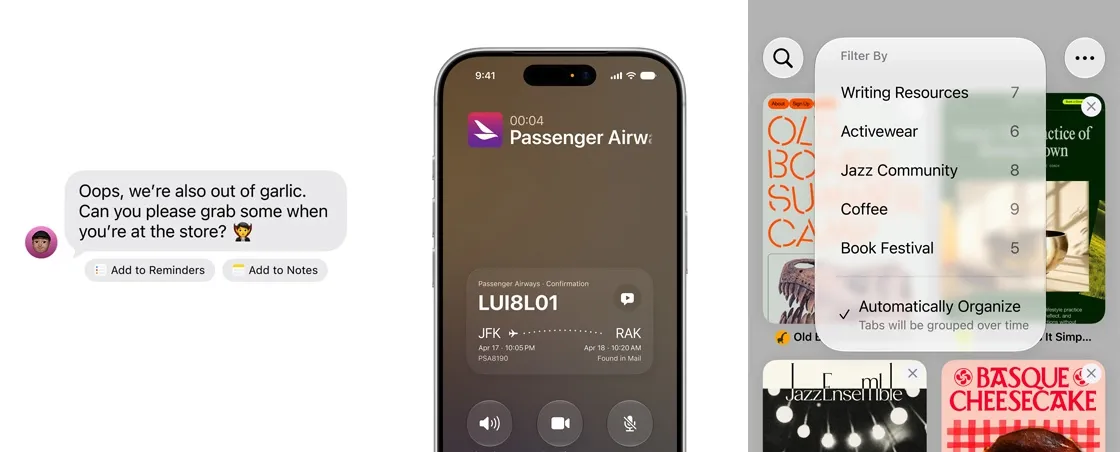
It can connect directly into databases to answer specific questions like pulling workout data from fitness trackers checking hydration goals or retrieving confirmation codes hidden in old emails.
This awareness extends into processing through new camera and screenshot functions.
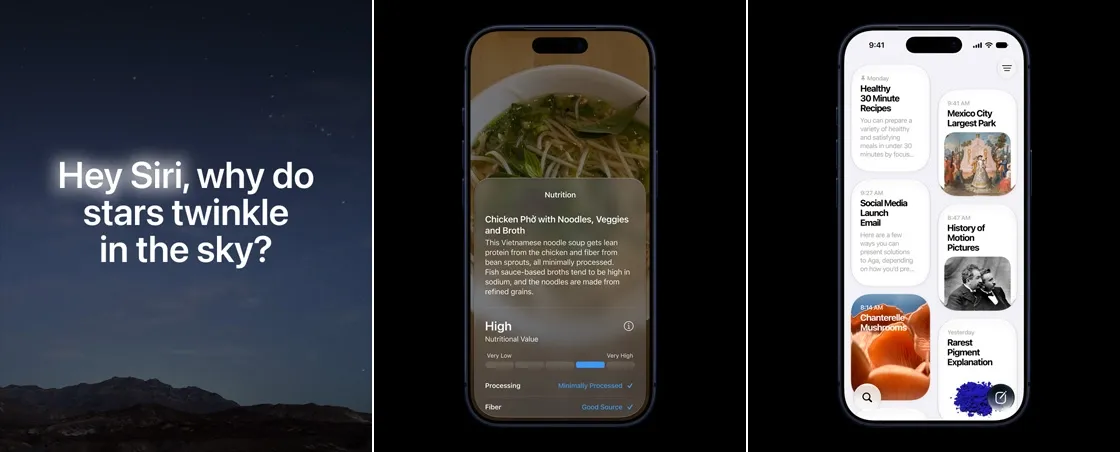
When using Siri in the camera app image analysis tools look at video to give quick practical help, calculating calories in a meal or splitting a restaurant bill among friends.
Screenshots work the way: users can ask Siri AI about anything visible on screen whether identifying furniture or pulling event details into a calendar.
Visual search can scan apps to find similar items or media across stores and digital catalogs.
Beyond conversations system-wide intelligence changes how traditional tools function.
Web browsers now automatically group tabs by topic users when prices drop on things they’ve tracked and even build extensions based on written descriptions.
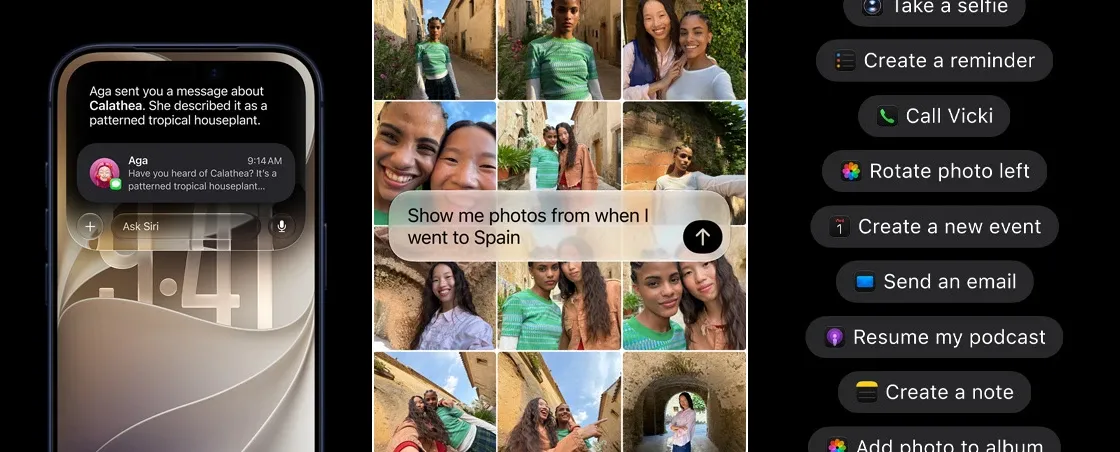
Automation tools accept instructions to make multi-step shortcuts without coding. Apps built by parties use central models to analyze legal agreements shorten long texts or calculate outdoor lighting needs for photos depending on location.
Photo editing and media creation tools show the shift toward smart reconstruction.
Standard edits are joined by tools that reframe images after capture. Content-aware fill can remove objects or extend borders while creating realistic backgrounds. Inside note apps, whiteboards and design tools users can generate custom art, diagrams or visuals by describing them in plain text.
System management and accessibility features have evolved to suit these updates.
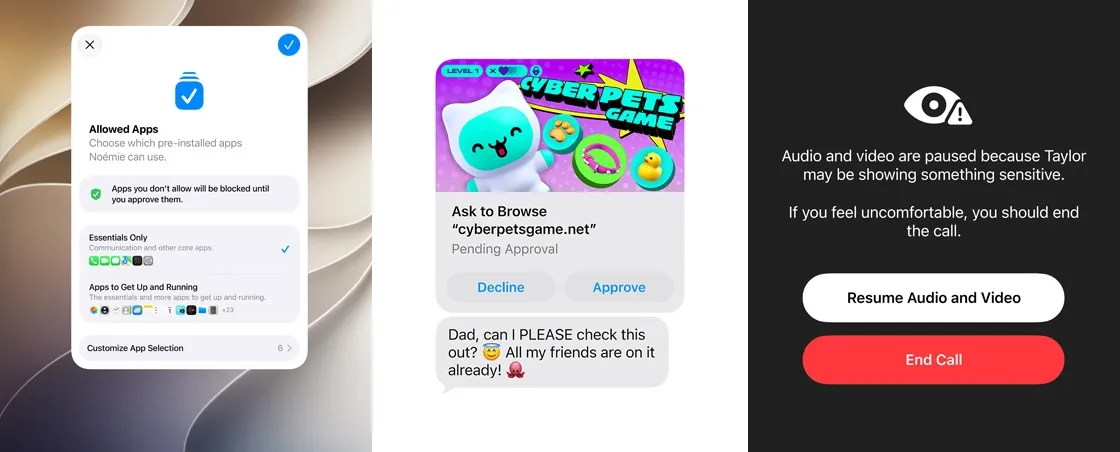
Parental controls now include website request systems and precise time limits grouped by app type like gaming, social media or entertainment.
Accessibility tools use the core intelligence to describe screen elements, receipts and camera views for people with vision loss while voice control allows navigation without touching the device.
These updates together show how modern mobile systemsre becoming focused on contextual continuity.
By placing tools, visual understanding and smart searches deep, inside the operating system the user experience no longer feels like separate tools but like an adaptive system built to manage everyday information.
Since the focus on this iOS 27 is Siri, hardware sets the ceiling.
Older supported iPhones can install the new system and use many of its tools, but the richest on-device models and the most demanding visual tasks remain tied to newer chips and more memory.
The result is a familiar Apple split: one software generation for the installed base, and a deeper layer reserved for devices that can run it locally with less delay.
Taken together, these updates show how modern mobile systems are becoming focused on contextual continuity.
By placing conversation, visual understanding and smart search deep inside the operating system, the user experience no longer feels like a stack of separate tools.
It feels like an adaptive environment built to hold everyday information, carry it from one task to the next, and stay out of the way until it is needed.




















































































































































































































































































