The agentic era is here, and WordPress is embracing the moment.
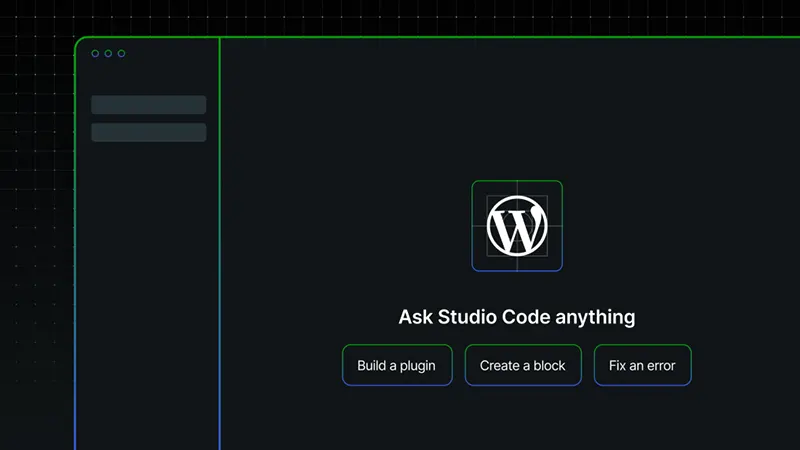
Now, bringing 'Studio Code,' the popular content management system (CMS) is bringing an agentic AI assistant directly into the WordPress Studio desktop application.
Once installed on macOS, Windows, or Linux, users can open the app and start a local development environment.
The AI lives inside the integrated terminal and responds to natural language instructions in real time.
Users only need to type or speak a request, such as create a fresh site, create a new page with specific content and images, install a set of plugins, or run a performance audit.
The system interprets the command, executes the necessary WordPress operations locally, and shows every step as it happens.
The agent works entirely on users' machine.
What this means, it will never touch the live website until users explicitly push the changes themselves.
This local-first design keeps everything isolated so users can experiment freely without risk.
Behind the scenes, it uses the WordPress codebase and file system to perform tasks like generating theme files, modifying database entries, optimizing images, or adjusting plugin settings.
For bulk work users can annotate an existing site with instructions such as update all headings to follow a new style or replace every instance of an old logo, and the AI applies those changes across multiple locations at once.
Because the AI maintains full context of your project, follow-up commands build on previous ones.
Using this feature, users can, for example, start with a basic site, ask it to add an e-commerce setup, refine the checkout flow, then request a staging sync, and it remembers the entire conversation thread.
The tool also supports performance checks that analyze load times, database queries, and asset sizes, then suggests or applies targeted fixes.
When users are ready, a single command deploys only the approved changes to their staging or production environment through their normal WordPress hosting workflow.
For developers and site builders this changes the pace of iteration.
Traditionally, building a website involves a long series of setup steps, with developers spending considerable time on repetitive configuration and routine tasks.
With Studio Code, many of those jobs that would normally take minutes (or even hours) can be completed in seconds, allowing developers to focus on higher-level decisions such as design, content strategy, and user experience.
The feature also makes collaboration easier by enabling teams to recreate local development environments from simple descriptions, while giving creators with little or no coding experience access to advanced customizations that previously required technical expertise.
Because everything runs locally, privacy is also improved: project files and data remain on the user's computer unless they choose to upload them.
Currently available as a free beta, Studio Code replaces the company's earlier AI Assistant with a more capable AI-powered development environment.
It's worth noting that back in march, MCP update on WordPress.com was introduced as a cloud-hosted feature that lets external AI agents like Claude or ChatGPT connect to users' live WordPress.com site and perform actions such as writing and publishing posts, managing comments, updating media, or adjusting design elements.
Before, that, on January, WordPress introduced wp-playground agent skill, a developer-focused tool for local plugin and theme testing that uses the WordPress Playground sandbox to spin up quick test instances so AI agents can generate code, mount it, run automated tests, and iterate fast without touching a real site.














































































































































































































































































